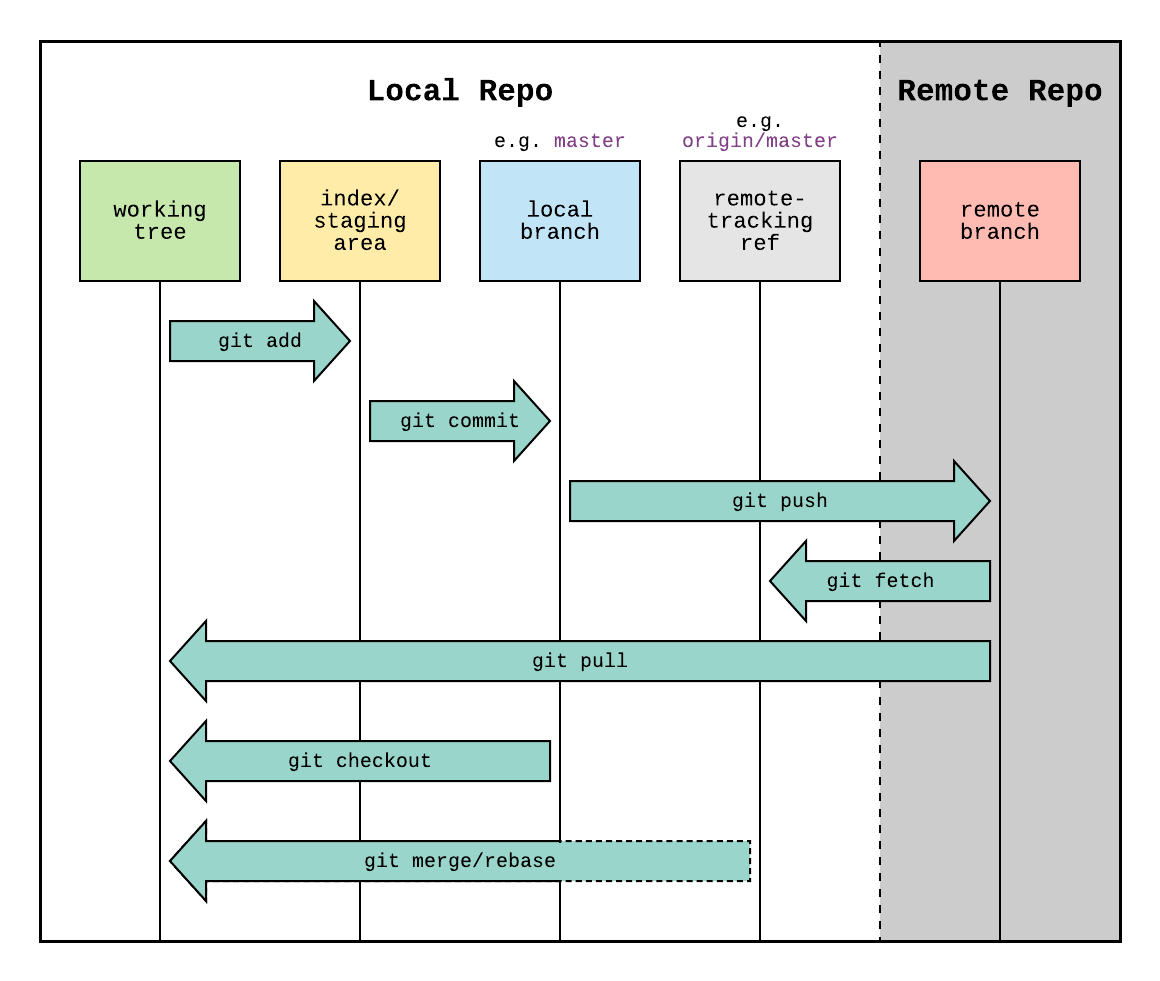
Introduction to Git

Nathan Green

Workshop Overview

  • Introduction to Version Control (today!)
  • Basic Git Workflow
  • Branching and Merging
  • Collaboration on shared folder or GitHub
  • Best Practices

Session contains short presentations, live demos, and hands-on tasks

Training material

  • Clone the repository:

    • Either download the zip from GitHub by clicking on the <> Code button
    • Or use the terminal
     git clone https://github.com/ICON-in-R/git-and-github-training.git
     cd git-and-github-training

Introduction to Git

Git is a version control system, like a powerful “save button” for your files and directories. It helps you track changes and keep a history of your project.
Git vs. a Text Editor 📝

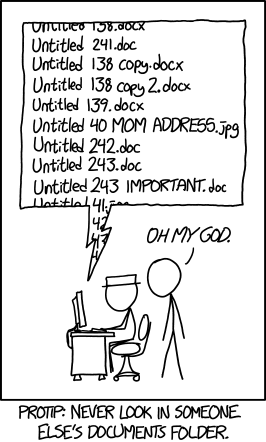
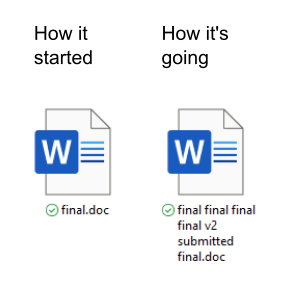
A text editor saves the entire file at once, giving you only one record unless you make manual copies (e.g., draft1.doc, draft2.doc).

Git, on the other hand, records the differences in files and folders and keeps a historical record of every save. This is a game-changer for developers!
Why is Git Useful? 🤔

For Individuals:

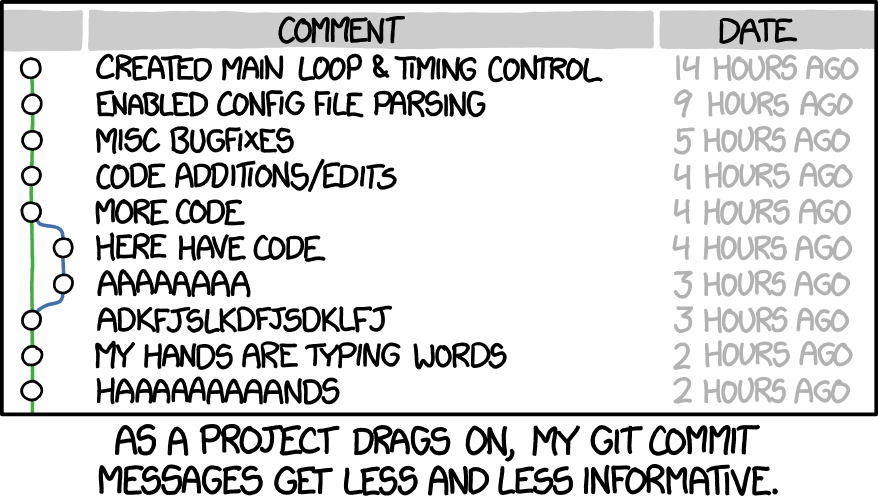
  • Review how your project grows over time.
  • Easily look at or restore file states from the past.

For Teams:

  • Share and collaborate on projects with other developers.
  • Push your project to platforms like GitHub, Bitbucket, or GitLab.

Git + GitHub = ❤️

  • Git works on your local machine.
  • GitHub is a remote storage facility on the web for your coding projects.
  • You can have private repos and manage access
  • Local interface with GitHub Desktop

Example Workflow

Assignment and Resources 💻